WhatsApp Business app vs WhatsApp Business API: which one do you need?
The difference between the free WhatsApp Business app and the WhatsApp Business API in plain words: features, limits, cost and when to switch.
You already use WhatsApp to talk to customers. Then someone tells you to "get the WhatsApp API" for a chatbot, and suddenly there are two products with almost the same name. Which one do you actually need?
Here is the difference between the WhatsApp Business app and the WhatsApp Business API (now called the WhatsApp Business Platform), in plain words.
The short difference
- WhatsApp Business app: a free app on your phone. You (and up to a few linked devices) reply by hand.
- WhatsApp Business API: a connection that lets software send and reply to messages for you. No app screen; messages go through a chatbot, CRM or a shared inbox.
WhatsApp Business app: who it's for
Good for: a shop, freelancer or small team that gets a manageable number of chats a day.
What you get, free:
- a business profile with address, hours and catalogue;
- greeting and away messages and quick replies;
- labels to sort chats;
- the same number on your phone and a few linked devices.
Limits:
- replies are manual, so nobody answers at 11 pm;
- no real chatbot, AI or connection to your CRM;
- broadcast lists only reach people who saved your number;
- it gets messy once many people share one phone.
WhatsApp Business API: who it's for
Good for: businesses that get many enquiries, want replies 24×7, or need WhatsApp connected to other tools.
What it makes possible:
- an AI chatbot that answers questions, qualifies leads and books appointments;
- automatic messages like order confirmations, payment reminders and delivery updates;
- a shared team inbox, so several people handle chats from one number;
- connections to your CRM, Google Sheets, payment links and website;
- approved template messages to customers who opted in, even if they haven't saved your number.
What to know before you switch:
- Meta charges per message for business-started messages (marketing, utility and authentication templates), at different rates for each type. Replies to a customer's message inside the 24-hour window are free. Our WhatsApp chatbot cost guide breaks down a real monthly bill.
- You need a Meta Business account, a verified business, and a provider or developer to connect it.
- A number used on the API can't be used in the normal WhatsApp app at the same time. Many businesses move their main number over, or get a new one for the bot.
Side by side
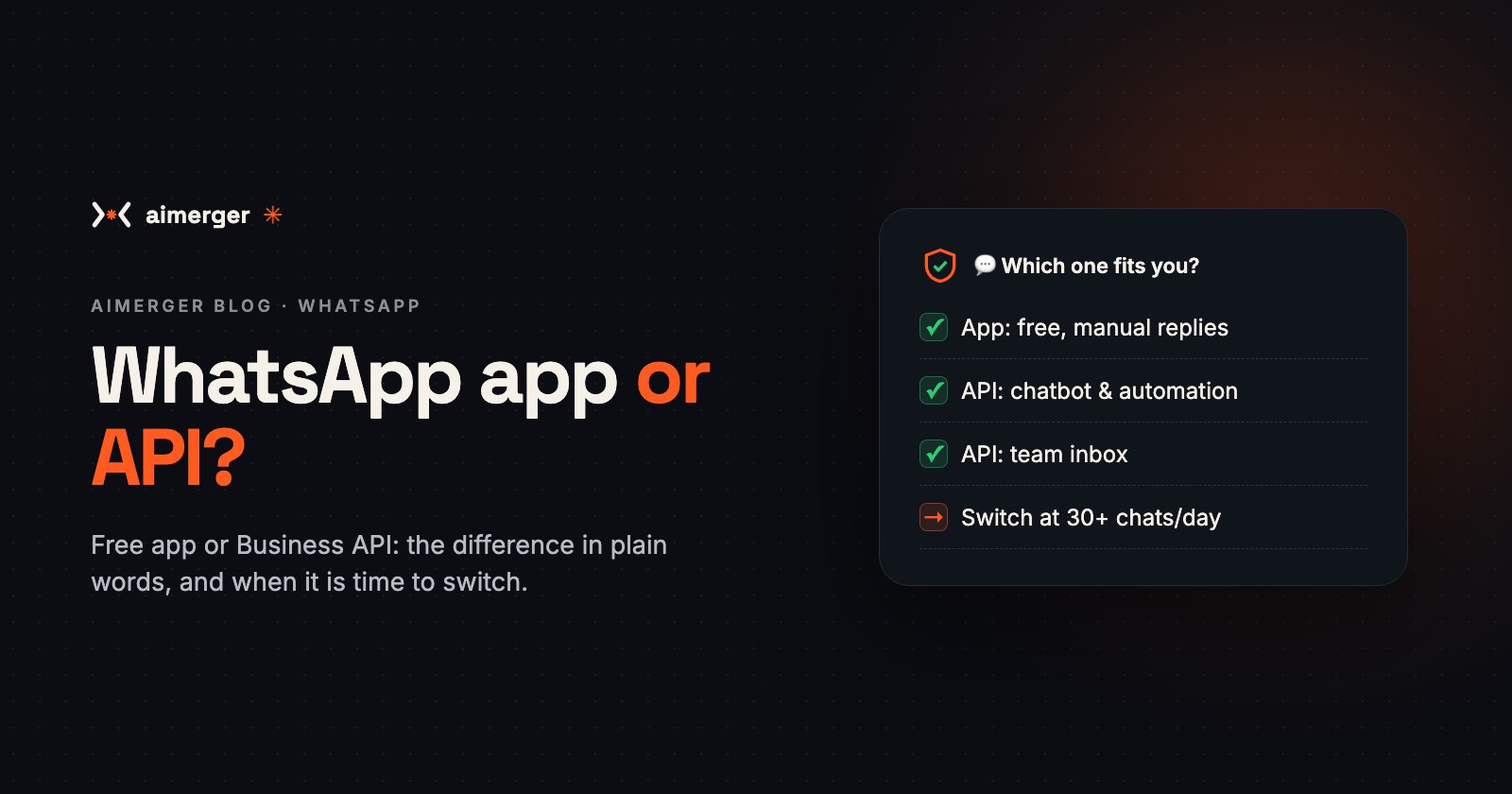
- Cost: app is free; API has per-message charges plus a setup and tool cost.
- Replies: app is manual; API can be automatic and AI-powered.
- Team: app suits 1–2 people; API suits any team size.
- Integrations: app has none; API connects to CRM, sheets, payments and your website.
- Setup: app takes minutes; API takes days (business verification and template approvals).
Which one should you choose?
Stay on the app if you get fewer than ~20–30 chats a day and can reply within an hour during work hours.
Move to the API if:
- enquiries come in at night or while you're busy and you lose them (here's what slow replies cost);
- you answer the same questions again and again;
- more than one person needs to handle WhatsApp;
- you want reminders, confirmations or follow-ups to go out automatically.
Not sure? Read auto-reply vs AI chatbot to see where you fit.
How we can help
We set up the WhatsApp Business API on your number, get your templates approved and build an AI chatbot trained on your business. An AI chatbot starts at ₹29,999 one-time + ₹4,999/month, which covers AI usage, hosting and support. See every service in our price menu (PDF).
WhatsApp us at +91 87969 25824 and we'll tell you honestly whether the app is enough for now.