Google Code Wiki explained: AI that documents your code and keeps it up to date
What Google's Gemini-powered Code Wiki is, what it does (auto-updated docs, diagrams, a chat that links to the code), its limits, and why it matters if you pay a team to build software.
Every software project has the same problem: the code changes every week, and the documentation doesn't. A new developer joins, opens the project and spends days asking "Where does this happen? Why is it built like this?" Often the only person who knows has already left.
Google's answer is Code Wiki, an AI tool that writes the documentation for a codebase and keeps it up to date by itself. Here's what it is, what it does well, and what it means if you run a startup or pay a team to build software.
What is Google Code Wiki?
Code Wiki (codewiki.google) is a website from Google, announced on the Google Developers Blog on 13 November 2025 as a public preview. It was built by teams at Google Cloud and Google Research and is powered by Gemini, Google's AI model.
You point it at a code repository and it builds a wiki for it: plain-language pages that explain how the project works, which parts talk to which, and where everything lives.
What it does
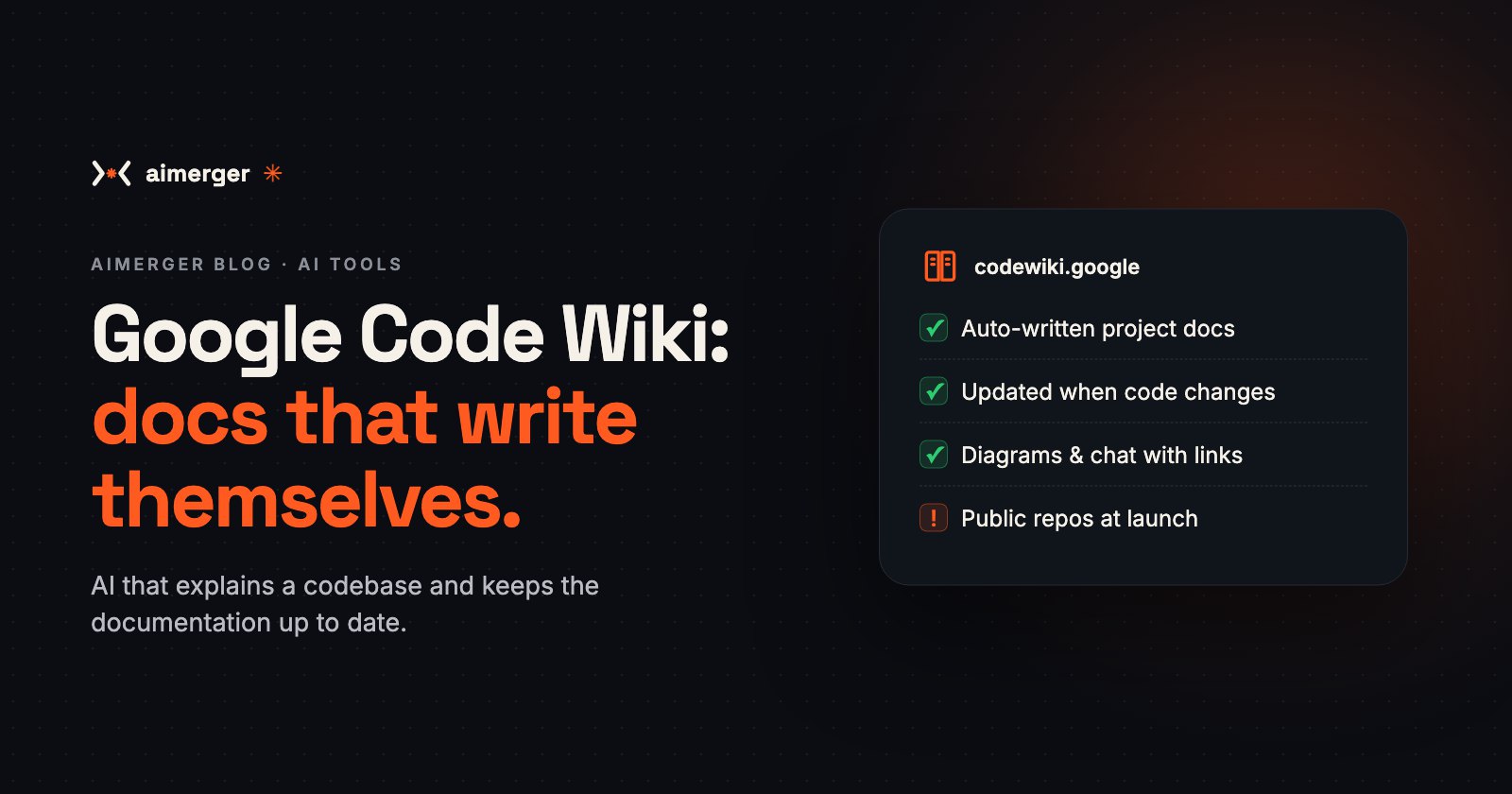
- Writes the documentation for you. It reads the whole codebase and generates structured pages, from a high-level overview down to individual files, classes and functions.
- Keeps it current. When the code changes, Code Wiki scans it again and regenerates the documentation, so it doesn't go stale the way hand-written docs do.
- Links everything to the code. Every section, and every chat answer, links straight to the files and definitions it talks about. You can check the source in one click.
- Draws diagrams. Architecture, class and sequence diagrams are generated from the code and updated with it.
- Answers questions. A Gemini-powered chat uses the wiki as context, so you can ask "How does login work?" or "Where are payments handled?" and get an answer with links.
What it can't do (yet)
- Public code only at launch. Google said the website works on public repositories. For private, internal code, it announced a Gemini CLI extension that runs the same system on your own machine, with a waitlist at the time of launch. Check the current status before you plan around it.
- AI can be wrong. The explanations are generated by AI. They're a great starting point, but a developer should still check anything important against the code itself. The links make that easy.
- It explains code; it doesn't fix it. It won't tell you whether the code is secure, well-tested or worth keeping.
Why it matters if you're not a developer
If you run a business that pays for software, an app, a website, an internal tool, this kind of tool touches you directly:
- Less lock-in. If your project is understandable, you're less dependent on one developer or one agency. A new team can pick it up faster.
- Cheaper handovers. Fewer days lost to "understanding the code" means a smaller bill when you add features or switch teams.
- Better questions. Even a non-technical founder can read a plain-language overview of what was built and ask sharper questions.
A practical tip: whoever builds your software, ask for clear documentation and a handover as part of the deal. AI tools like Code Wiki make that much cheaper to provide, so there's less reason to skip it.
How to try it
- Open codewiki.google.
- Search for a well-known public open-source project, or one you use, and open its wiki.
- Read the overview, click through to the code, and try a question in the chat.
It's the quickest way to see whether this kind of AI documentation would help your team.
How we work
At Aimerger we build websites, AI chatbots, automations and MVPs, and every project ends with a proper handover: the code, the accounts and documentation your next developer can actually read. See our price menu (PDF), read what a website costs in India, or visit aimerger.in to see what we build.