Website accessibility (a11y) checklist for Indian businesses: 10 fixes anyone can do
Make your website work for every customer, including people with low vision, older users and screen-reader users: what the law says in India, a 10-point checklist and how to test your site in 15 minutes.
Some of your customers can't see your website clearly. Some can't use a mouse. Some are older and zoom in on everything, and some read your site with a screen reader that speaks it aloud. If your website doesn't work for them, they leave, quietly, and you never find out why.
Making a website usable for everyone is called accessibility, often shortened to a11y (11 letters between the "a" and the "y"). Most of it is cheap, and much of it also makes your site faster and better for Google.
Who it's for (more people than you think)
- People with disabilities. India's 2011 Census counted about 2.68 crore people with a disability, and the real number is likely higher.
- Older customers with weaker eyesight or shaky hands.
- Everyone, sometimes. A cracked screen, bright sunlight, a slow phone, one hand holding a baby or a bag.
When a site is easy for them, it's easier for everyone.
Is it required by law in India?
The Rights of Persons with Disabilities Act, 2016 makes accessibility a duty, and government websites must follow the GIGW guidelines, which are based on WCAG, the worldwide standard. In November 2024 the Supreme Court asked the government to make accessibility rules mandatory, not just guidelines, so expectations are rising.
If you sell to Europe, the European Accessibility Act has applied to many online shops and services since 28 June 2025.
Even where it isn't required yet, an accessible site simply loses fewer customers.
The 10-point checklist
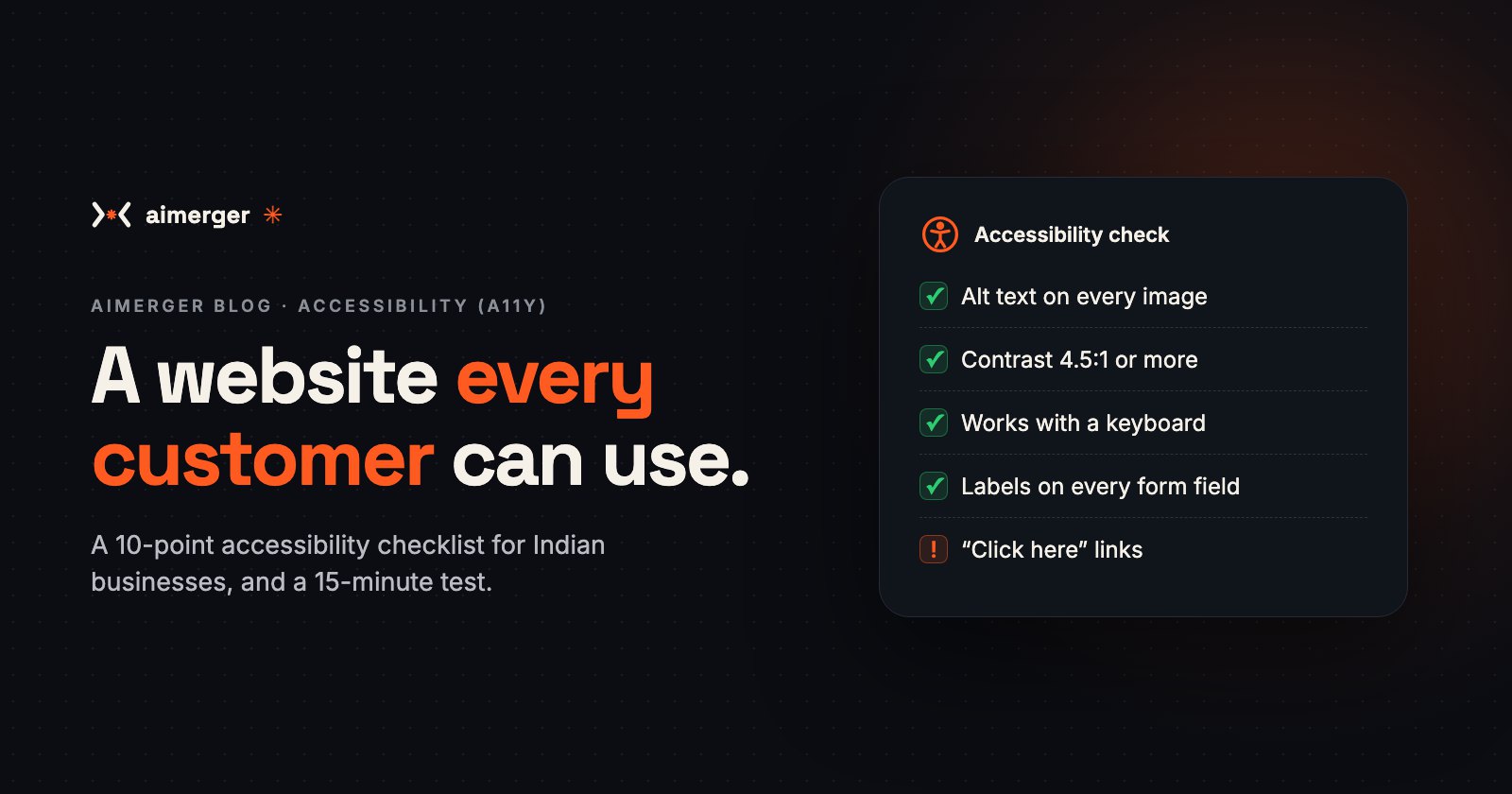
1. Describe every important image (alt text). A screen reader reads the image's alt text aloud. "Red cotton kurta, front view" helps; "IMG_2041.jpg" doesn't. Decorative images get an empty alt.
2. Make text easy to read. Use enough contrast between text and background (WCAG asks for at least 4.5:1 for normal text). Light grey on white looks stylish and fails. Keep body text at 16px or more.
3. Let people zoom. Never block pinch-to-zoom on mobile. Your pages should still work at 200% zoom, without text cut off.
4. Everything works with a keyboard. Press Tab on your own site. Can you reach every link, menu, button and form field, in a sensible order? Can you see where you are? If the outline is invisible, people get lost.
5. Label every form field. "Name", "Phone", "City" should be real labels, not grey text inside the box that disappears when you type. Error messages should say what's wrong ("Enter a 10-digit phone number"), not just turn the box red.
6. Don't use colour alone. "Fields in red are required" doesn't work for colour-blind visitors. Add a word or an icon too.
7. Use real headings, in order. One main heading (H1), then H2s and H3s. Screen-reader users jump between headings the way you skim a page. Good headings help your SEO too.
8. Write links that make sense alone. "Click here" ten times tells nobody anything. "See our price list" or "Download the menu (PDF)" does.
9. Big enough buttons. Make tap targets easy to hit on a phone: WCAG 2.2 asks for at least 24×24 pixels, and around 44px is more comfortable. Keep space between them.
10. Captions and transcripts. Add captions to videos and reels. Many people watch with the sound off anyway. Don't autoplay video with sound.
How to check your own site in 15 minutes
- Lighthouse: in Chrome, right-click → Inspect → Lighthouse → tick Accessibility → Analyze. It gives a score and a list of problems.
- WAVE (wave.webaim.org): paste your URL to see issues marked on the page.
- Keyboard test: put the mouse away and use Tab, Enter and Space.
- Screen reader test: turn on TalkBack (Android) or VoiceOver (iPhone, Mac) and try to place an order. NVDA is free on Windows.
- Our free Website Speed & SEO Checker also flags images without alt text.
Automatic tools find only part of the problems. The keyboard and screen-reader tests catch the rest.
Common mistakes we see
- Text baked into images (offer banners, menus as JPGs) with no text version.
- Pop-ups that can't be closed with a keyboard or screen reader.
- CAPTCHAs with no audio or other option.
- PDFs that are just scanned pages.
- "Accessibility overlay" widgets sold as a one-click fix. They don't fix the underlying code, and many users with disabilities find them get in the way.
Want us to check or fix it?
We build new websites with accessibility in from the start, and we can audit and fix an existing site: contrast, alt text, keyboard navigation, forms and headings. See what a website costs in India, or visit aimerger.in to see our work.