Google Business Profile setup: a step-by-step guide for Indian small businesses
How to create, verify and fill in your Google Business Profile so you show up on Google Maps, plus the common mistakes that keep businesses out of the top 3.
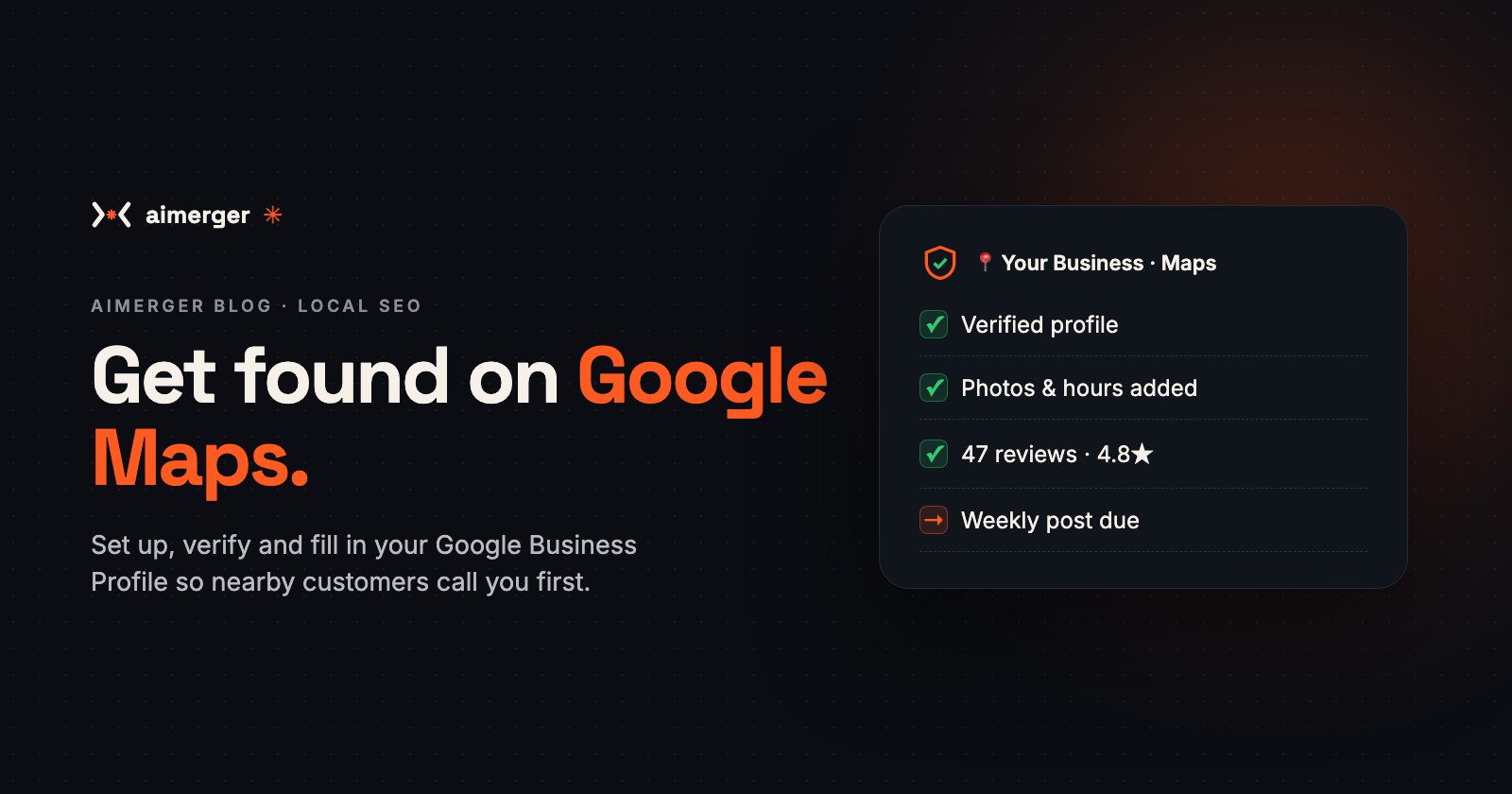
When someone near you searches "bakery near me" or "CA in Rohini", Google shows a map with three businesses at the top. Those three get most of the calls. Your website doesn't decide who appears there. Your Google Business Profile does.
It's free, it takes about an hour to set up, and most small businesses either don't have one or leave it half-filled. Here is how to set it up properly, step by step.
What a Google Business Profile does for you
Your profile is the box that appears on Google Search and Google Maps with your name, photos, hours, phone number, reviews and a Directions button. With a good profile:
- people find you on Maps when they search for what you sell nearby;
- they can call, WhatsApp or get directions in one tap;
- your reviews build trust before they ever visit.
Step 1: Create or claim your profile
- Go to google.com/business and sign in with your business Gmail account (not a personal one you might lose).
- Search for your business name. If it already exists (Google sometimes creates one automatically), claim it. If not, choose Add your business.
- Enter your exact business name, as on your shop board. Don't add keywords like "Best Bakery Delhi" to the name; Google can suspend profiles for that.
Step 2: Pick the right category
Your primary category matters more than anything else for showing up in searches. Be specific: "Dental clinic" beats "Clinic", and "Cake shop" beats "Shop". Add 2–4 secondary categories for other things you genuinely do.
Step 3: Location or service area
- Customers visit you (shop, clinic, office): add your full address and drop the pin exactly on your entrance.
- You visit customers (plumber, home tutor, AC repair): hide your address and set a service area, the localities or cities you cover.
Step 4: Verify your business
Google needs to confirm you're real before your profile goes fully live. Depending on your business, it may offer a video recording (showing your shop board, the inside and proof like a bill or licence), a phone or SMS code, an email, or a postcard. Follow the option shown to you. Video verification usually takes a few days to be reviewed.
Step 5: Fill in everything
Profiles that are complete get shown more. Add:
- Phone number and website (use your WhatsApp number if that's how customers reach you; a wa.me link also works as a button);
- opening hours, including special hours for festivals and holidays;
- a short description of what you do, in plain words;
- your products or services with prices where you can;
- attributes like "Wheelchair accessible", "Online appointments" or "Women-led".
Step 6: Add real photos
Upload your logo, a cover photo, the outside of your shop (so people recognise it), the inside, your team and your work or products. Real photos beat stock images. Add a few new ones every month.
Step 7: Get reviews and reply to every one
Reviews are the biggest reason people choose one listing over another. Ask happy customers right after a good experience, with a direct review link on WhatsApp or a QR code at your counter. Our guide on getting more Google reviews shows how, and this one has reply examples for good and bad reviews.
Step 8: Keep it alive
- Post an update or offer every week or two (new stock, festival offer, a recent project).
- Answer questions in the Q&A section.
- Check Performance every month: how many calls, direction requests and website clicks came from your profile.
Common mistakes
- Keywords stuffed into the business name.
- Different phone numbers or addresses on Google, your website and Justdial. Keep them identical everywhere.
- Wrong hours, especially on holidays. A customer who finds you closed won't trust the listing again.
- Ignoring reviews, especially the bad ones.
Want it done for you?
We set up and verify your Google Business Profile, write the description, add photos and services, and connect a review link and WhatsApp button. It's part of our website and SEO work; see our price menu (PDF), or check where you stand with our free website speed & SEO checker.
WhatsApp us at +91 87969 25824 and we'll look at your profile for free.