Auto follow-up for IndiaMART, JustDial and website leads: reply in 1 minute
How to bring every enquiry into one list, reply on WhatsApp within a minute, alert your team and follow up until the customer answers, without losing the personal touch.
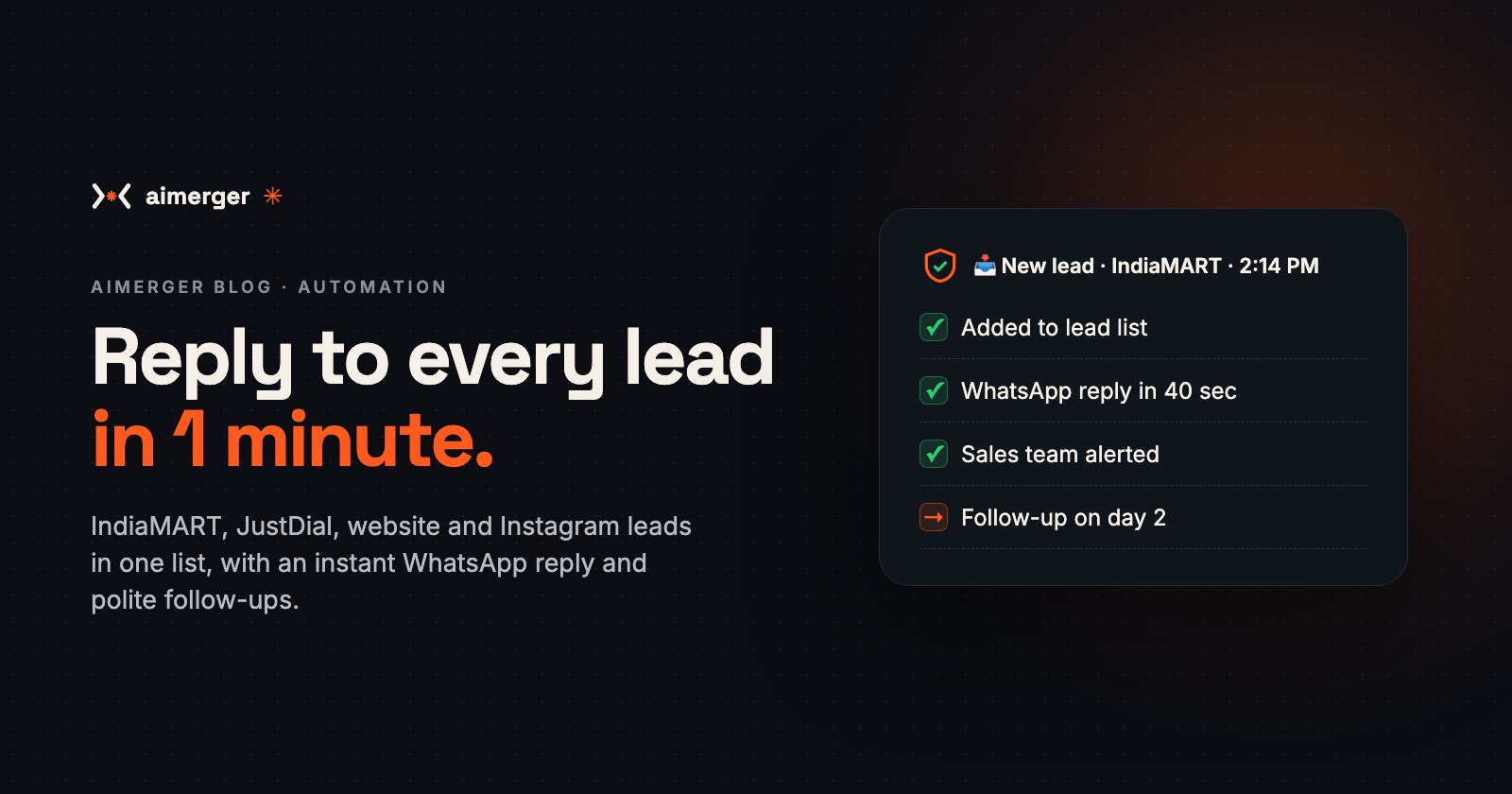
A new lead comes in from IndiaMART at 2:14 PM. You're with another customer. By the time you call back at 6, they've already spoken to three other suppliers, and one of them sent a quote before lunch ended.
Most small businesses don't lose leads because their product is worse. They lose them because someone else replied first. Here is how to reply to every IndiaMART, JustDial, website and Instagram lead within a minute, automatically, and still close the deal yourself.
Where your leads come from (and why they slip)
A typical Indian small business gets enquiries from five or six places:
- IndiaMART buy leads and direct enquiries;
- JustDial enquiries by call, SMS and email;
- the contact form on your website;
- Facebook and Instagram lead ads;
- Google Business Profile calls and messages;
- WhatsApp messages from people who saw your number somewhere.
Each one lands in a different app, inbox or phone. Nobody owns all of them, so some get a reply in five minutes, some the next day, and some never. We explained what that delay really costs in the cost of slow replies.
Step 1: Bring every lead into one list
An automation collects leads from every source into one place: a Google Sheet, a simple CRM or the CRM you already use.
- IndiaMART: paid sellers can use IndiaMART's CRM integration (Lead Manager API) to pull leads as they arrive. Without it, the automation reads the lead notification emails instead.
- JustDial: enquiry emails and SMS alerts are read automatically and turned into rows.
- Website form: the form sends each enquiry straight to the list, not just to your inbox.
- Facebook / Instagram lead ads: Meta can send each new lead the moment the form is filled.
Every lead gets the same fields: name, phone, what they asked for, quantity or budget, city, source and time. Duplicates (the same person enquiring on two platforms) are merged.
Step 2: Reply within a minute, on WhatsApp
The moment a lead lands, the customer gets a WhatsApp message like this:
"Namaste Rakesh ji, thanks for your enquiry about 500 corrugated boxes on IndiaMART. This is Sharma Packaging. Could you share the size and when you need them? Our price list is here: …"
- It uses their name and what they asked for, so it doesn't read like spam.
- It asks one useful question, so the conversation starts.
- It can attach your catalogue, price list or brochure.
The first message to a new lead must use a WhatsApp template approved by Meta, sent through the WhatsApp Business API. Once the customer replies, you can chat freely. Our WhatsApp chatbot cost guide explains what each message costs.
Step 3: Tell the right person, instantly
At the same time, your team gets an alert with everything they need to call back:
- "New IndiaMART lead: Rakesh, Jaipur, 500 boxes, needs by 10 Nov. Call: 98xxx xxxxx"
If you have a sales team, leads can be shared out by turn, by city or by product. If nobody marks the lead as "called" within 30 minutes, it goes to the next person, or to you.
Step 4: Follow up until they answer
Most deals need more than one touch. The automation follows a simple schedule and stops the moment the customer replies:
- Day 1: the first WhatsApp message (Step 2).
- Day 2: "Did you get a chance to look at the price list?"
- Day 4: a short case, photo or review from a happy customer.
- Day 7: a last, polite check-in, then the lead is marked "cold".
Every message sounds like you, never pushy, and each customer can opt out with one tap.
Step 5: An AI assistant for the common questions (optional)
If the same questions come again and again ("What's the minimum order?", "Do you deliver to Pune?", "Is GST extra?"), an AI assistant can answer them on WhatsApp in Hindi or English, 24x7, and hand the chat to a person as soon as the customer is ready to buy. See how to reply to customers 24x7 and auto-reply vs AI chatbot to decide whether you need it.
Step 6: See what's working
Every Monday you get a one-page summary:
- leads per source (IndiaMART vs JustDial vs website vs ads);
- average reply time;
- how many leads became quotes, and how many became orders.
After a month you know which platform is worth paying for, and which one just fills your phone.
Keep it right
- Respect the platform rules. Use IndiaMART's and Meta's official integrations; don't scrape platforms.
- Get consent for marketing. A reply to someone's own enquiry is fine. Sending them offers for months is not, unless they agreed. Our DPDP Act checklist covers the basics.
- Keep a human for the close. Automation starts the conversation; people win the order.
What it costs
At Aimerger, a workflow automation starts at ₹19,999 per workflow + ₹1,999/month for hosting, monitoring and fixes. Collecting leads and sending the first reply (Steps 1–3) is usually one workflow; the follow-up sequence and weekly report is a second. An AI assistant on WhatsApp is priced separately. See every service in our price menu (PDF).
If it turns just one or two extra enquiries a month into orders, it usually pays for itself.
Where to start
Start with your biggest lead source and Step 2, the instant WhatsApp reply. It's the quickest win. Add the other sources and the follow-ups after that.
Want us to look at where your leads come from today? WhatsApp us at +91 87969 25824 and we'll suggest the simplest setup for your business.