How to automate invoices and payment reminders for your small business
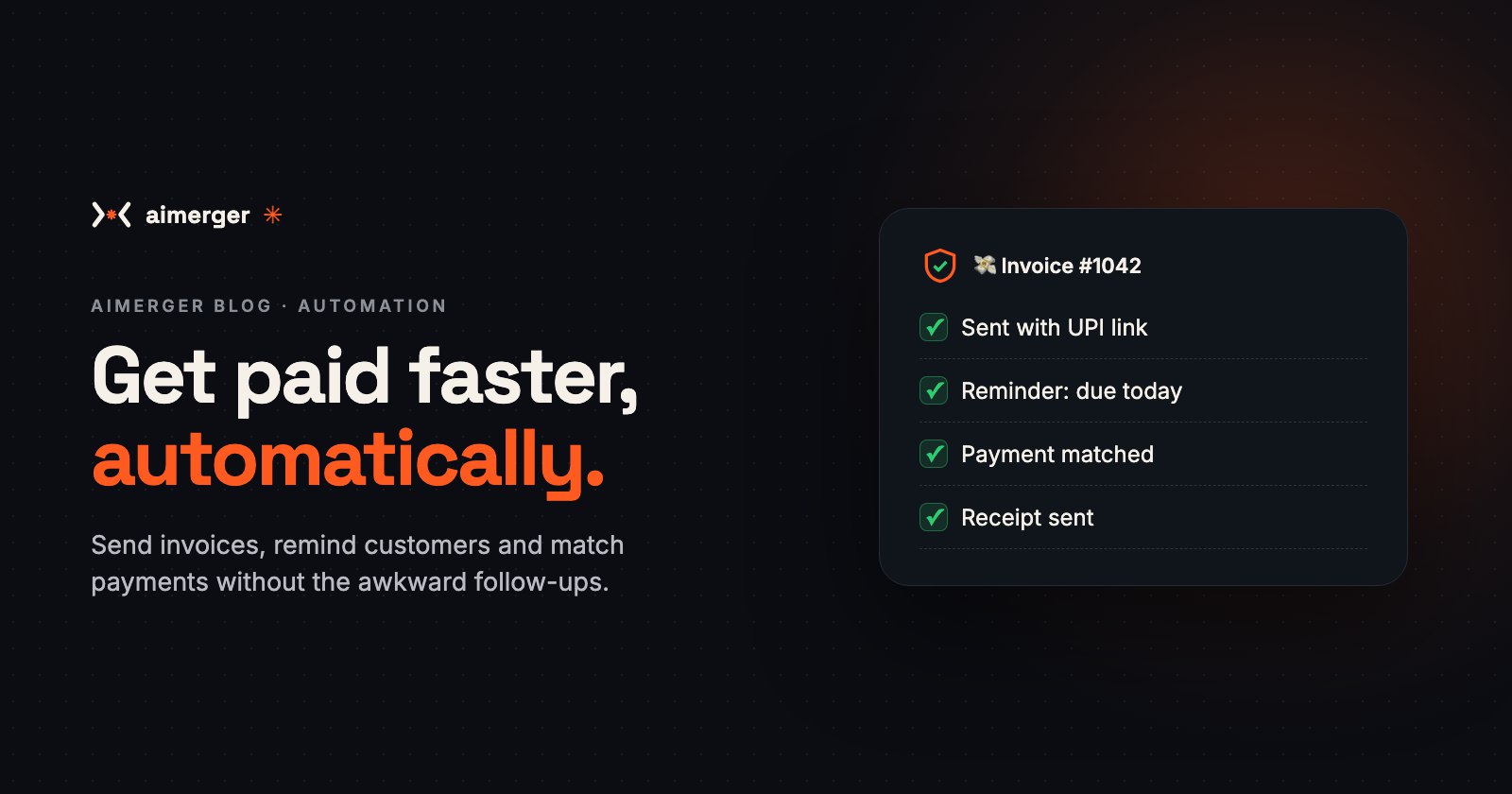
Send invoices with a UPI link, remind customers on schedule and match payments automatically, without changing your accounting software.
You finished the work. The customer was happy. Now it's day 45, the invoice is still unpaid, and you're wondering whether to send a third "Hi, just a gentle reminder…" message.
Chasing payments is slow, awkward and easy to forget. It's also one of the easiest things to automate. Here is how small businesses in India can send invoices, remind customers and record payments automatically, without changing their accounting software.
Why payments get late
Usually it isn't bad intent. It's:
- the invoice went late, or to the wrong person;
- there was no easy way to pay right then;
- nobody reminded them at the right time;
- you were too busy (or too polite) to follow up.
Each of these has a simple automated fix.
Step 1: Send the invoice the moment the work is done
When an order is marked delivered, or a project is marked complete, an automation:
- creates the invoice in your billing or accounting software (or a template in Google Docs/Sheets);
- adds your GSTIN, the customer's details and the correct tax, if you are registered;
- sends it on WhatsApp and email with a UPI payment link or QR right inside the message.
The faster the invoice arrives, the faster it's paid. A payment link removes the "I'll do it later" step.
Step 2: Remind customers politely, on a schedule
Set the rules once:
- 3 days before the due date: a friendly heads-up with the payment link.
- On the due date: "Your invoice of ₹18,500 is due today. Pay here: …"
- 7 days overdue: a firmer reminder.
- 15 days overdue: a message to you, so you can call personally.
The reminders stop automatically the moment the payment comes in. No more reminding someone who already paid.
On WhatsApp, payment reminders are utility messages under Meta's pricing, which cost a fraction of marketing messages. Our WhatsApp chatbot cost guide explains how Meta charges.
Step 3: Match payments automatically
When money arrives (UPI, bank transfer or a payment gateway), the automation:
- matches it to the right invoice by amount, reference or customer;
- marks the invoice paid in your sheet or accounting software;
- sends the customer a thank-you message and receipt;
- flags anything it can't match for a human to check.
Step 4: See who owes you, at a glance
Every Monday morning, you get a short WhatsApp or email summary:
- total outstanding;
- the 5 biggest overdue invoices;
- what came in last week.
No more opening five apps to find out where your money is.
What tools does this work with?
You don't need to change software. Automations can connect to:
- Accounting and billing: Tally (via exports or connectors), Zoho Books, QuickBooks, Vyapar, or a Google Sheet;
- Payments: UPI links and QR codes, Razorpay, Cashfree, PhonePe and other payment gateways;
- Messaging: WhatsApp Business API and email.
If your invoices arrive in your email inbox from suppliers, the same idea works in reverse: an automation reads each PDF, extracts the amount, GSTIN and due date, and adds it to your books for approval.
Keep it right
- Check tax details once. Get your accountant to confirm the invoice template (GST, HSN/SAC codes, place of supply), then the automation repeats it correctly every time.
- Polite beats pushy. Automated messages should sound like you on a good day.
- Keep a human in the loop for disputes, large amounts and long-standing customers.
- Protect customer data. Payment details and contact numbers are personal data; give access only to people who need it.
What it costs
At Aimerger, a workflow automation starts at ₹19,999 per workflow + ₹1,999/month for hosting, monitoring and fixes. Invoicing and payment reminders is usually one workflow; adding automatic payment matching is a second.
If it gets just one large invoice paid 30 days earlier, or saves your team a few hours every week, it pays for itself quickly. See every service in our price menu (PDF).
Where to start
Start with Step 2, automated reminders with a payment link. It's the quickest win and needs the least setup. Add instant invoicing and payment matching after that.
Want us to look at how you invoice today? WhatsApp us at +91 87969 25824 and we'll suggest the simplest setup for your business.